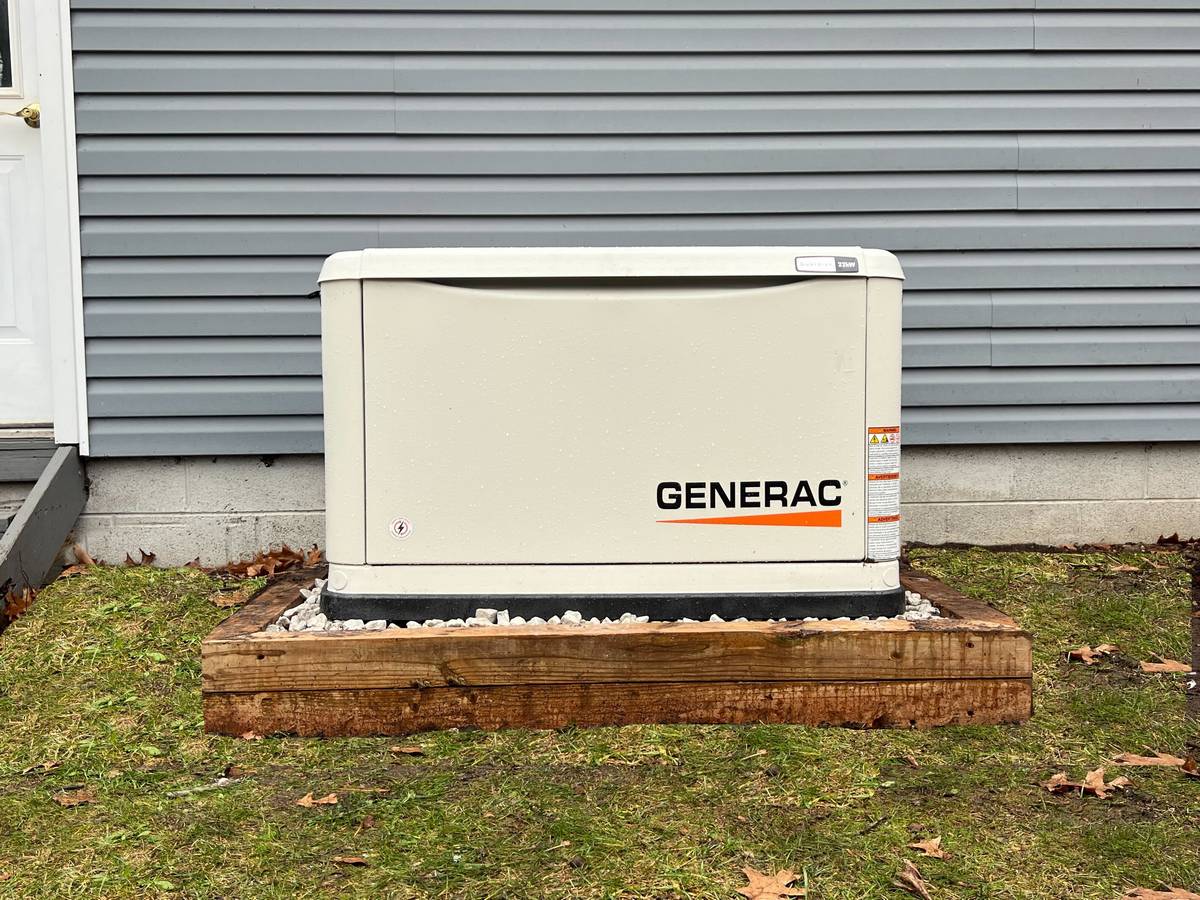
If you have a whole-home generator from Granite State Solar, you already know how much of a difference it makes for New Hampshire homes. Knowing how to monitor your Generac generator means you can count on it to deliver reliable, automatic power the moment an outage occurs. Below, we cover what you can do to give yourself extra peace of mind that your backup power system will perform when you need it.
Key Takeaways
- The Mobile Link app lets you check generator status, fuel levels, and maintenance alerts from your phone.
- Indicator lights on the control panel give you an instant read on whether your system is ready, needs service, or has an active fault.
- In New Hampshire winters, keeping the area around your generator clear of snow and ice is part of routine upkeep.
- Don’t skip maintenance alerts. Annual service keeps your warranty valid and your unit reliable.
- If your generator fails to start or shows a fault code that won’t clear, call a certified technician rather than troubleshooting internally.
Use Mobile Monitoring
The Generac whole-home generators we install come equipped with Wi-Fi connectivity and access to an app called Mobile Link. If you haven’t set it up yet, our team walks you through it as part of every backup generator.
With Mobile Link, you can:
- Check generator status in real time
- See whether your system is running or in standby mode
- Receive alerts for maintenance needs
- Get notifications if an issue occurs
- Track exercise cycles and run history
During an outage, this app allows you to quickly confirm that your generator is running and supporting your home, even if you’re not there.
If your home internet goes down during an outage, Generac’s optional 4G LTE cellular upgrade keeps Mobile Link connected. That’s worth considering for homeowners in more rural parts of New Hampshire where outages tend to run longer. For a broader look at how backup systems behave when the grid goes down, see our post on how backup battery systems work during power outages.
What the Indicator Lights Mean
Your Generac generator has a control panel with indicator lights that communicate the system’s status at a glance.
Here’s what each one indicates:
- Green Light: Generator is ready and operating normally
- Yellow Light: Maintenance is required
- Red Light: There is an alarm or issue that needs attention
If you notice a red light during an outage, check the display panel for an error message. Many alerts are minor, such as a maintenance reminder, but you should review them promptly. If you’re unsure what the error message means, contact us for further guidance.
Listen and Observe Safely
While you should never open the unit or attempt repairs during operation, you can safely observe a few things from a distance:
- Is the generator running smoothly and steadily?
- Is anything blocking airflow around the unit?
- Is snow, ice, or debris building up around it?
In New Hampshire winters especially, keeping the area around your generator clear helps with proper ventilation and safe operation.
Know Your Fuel Levels
Generators run on fuel, and if it runs out, your system will shut down. Check your fuel level regularly and keep your system adequately supplied in case an unexpected outage hits.
You can use the Mobile Link app to see how much fuel is in your system. It can also alert you when levels are low.
If you’re on propane, check your tank heading into winter and before any major storm forecast. Signing up for automatic delivery with your fuel supplier is an easy way to take this off your plate entirely. If you’re also weighing whether a battery backup system might handle shorter outages so the generator isn’t burning fuel for every two-hour grid blip, that’s a conversation worth having with our team.
Pay Attention to Maintenance Alerts
Routine maintenance is what keeps your generator performing reliably. Your system will typically notify you when it’s time for:
- Oil changes
- Filter replacements
- General service
Staying on top of maintenance keeps your generator ready when it counts. At Granite State Solar, we recommend scheduling regular service checks before storm season each year. If you’re not sure when yours is due, you can check the Mobile Link app or reach out through our backup generators page. You can also browse our frequently asked questions for answers to common service and maintenance questions.
When to Call for Support
Give us a call if your generator:
- Fails to start during an outage
- Displays persistent error codes
- Shuts off unexpectedly
- Shows a red alarm light you don’t understand
- Makes unusual noises during operation that weren’t there before
Never attempt internal repairs yourself. Standby generators operate at high voltage and the risk isn’t worth it.
Stay Powered, Stay Informed
A standby generator gives you peace of mind, but monitoring it properly means that peace lasts through the entire outage. With Mobile Link, simple visual checks, and regular maintenance, you can feel confident your home is protected no matter what.
We’ve been installing and servicing Generac systems across New Hampshire since 2008. We serve communities throughout the state, from Concord and Manchester to the Lakes Region and the Seacoast. If you have questions or want to schedule a service visit, contact us here.
Frequently Asked Questions
Do I need to do anything to set up monitoring on my Generac generator?
Yes, but it’s simple. Newer Guardian Series generators have Wi-Fi monitoring built in. Download the Mobile Link app, create a free account, and connect your generator by following the in-app steps. Granite State Solar walks you through this at installation.
What’s the difference between Wi-Fi and cellular monitoring on Mobile Link?
Wi-Fi monitoring is free but relies on your home internet. If your internet goes down during an outage, you lose the connection. Generac’s 4G LTE cellular option stays active during outages, which is particularly useful in rural New Hampshire where extended outages are more common.
How often does a Generac generator exercise itself?
Most units run a weekly exercise cycle of about 12 minutes to keep the engine lubricated and the battery charged. You can adjust the schedule in the Mobile Link app. If the generator skipped its exercise without explanation, that’s worth a call to us.
My generator handles long outages. Do I need a battery backup too?
Not necessarily, but the two work well together. A battery backup system responds instantly and runs silently, making it a better fit for shorter outages of a few hours. The generator takes over when an outage stretches into days. If you want to understand how the two interact, our post on battery backup for solar panels is a good place to start.
Yes. Generac’s warranty is tied to proper maintenance. Skipping service creates a gap in your documentation that can complicate a warranty claim. Annual visits with a record of service are the right approach.
Can my generator run the whole house during a New Hampshire winter outage?
That depends on the size of your unit. Generac makes generators in a range of sizes, from units that cover a handful of critical circuits to full whole-home systems including electric heat. Our backup generators page covers the options, or you can request a free assessment and we’ll help you figure out what makes sense for your home.